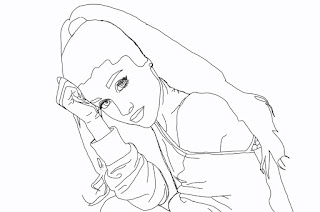
First i did a new layer then I erased all the white then I took all the pictures thats here from google. Finally I put my waldo in a not obvious place.
First I looked for a picture on the internet of a dog then erased the back ground then clicked Image, mode, and grayscale then pressed OK. After that, I pressed filter, then filter gallery , when the menu came up I clicked the percent 50%, etc. Finally, cropped out the photo and this is how it is.
First I made the White paper black then I use the cookie cutter tool to cut out the shapes and paste it on a seperate white paper, So after I did that I made myself using a dress from the internet and I drew the body parts on. Finally I got a pattern to put on this piece.
First I took a photo of me on Photo Booth then I dragged my photo to the Photoshop format. So I traced my photo and all the details of my face then colored in everything. Finally made my background with different colors of purple to make it like its blend in and put white poke a dots on the purple background.
First I trace the original picture except the head. Then I colored the rest of the body and cropped out the rose to subsitute the cat and cropped out sally's head to subsitute the original head. And fianlly drew a night time background because i wanted to make it kinda like a Nightmare Before Christmas setting.
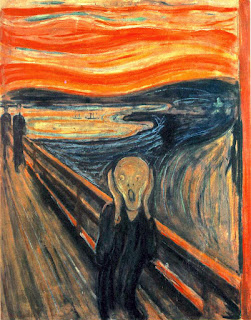
First I did was trace the original picture then when I was done with that I colored it in. I really like making this photoshop piece. Second part of the scream: I used the same picture but the difference is that I took a pic of my face then paste it on the original face of the scream.